
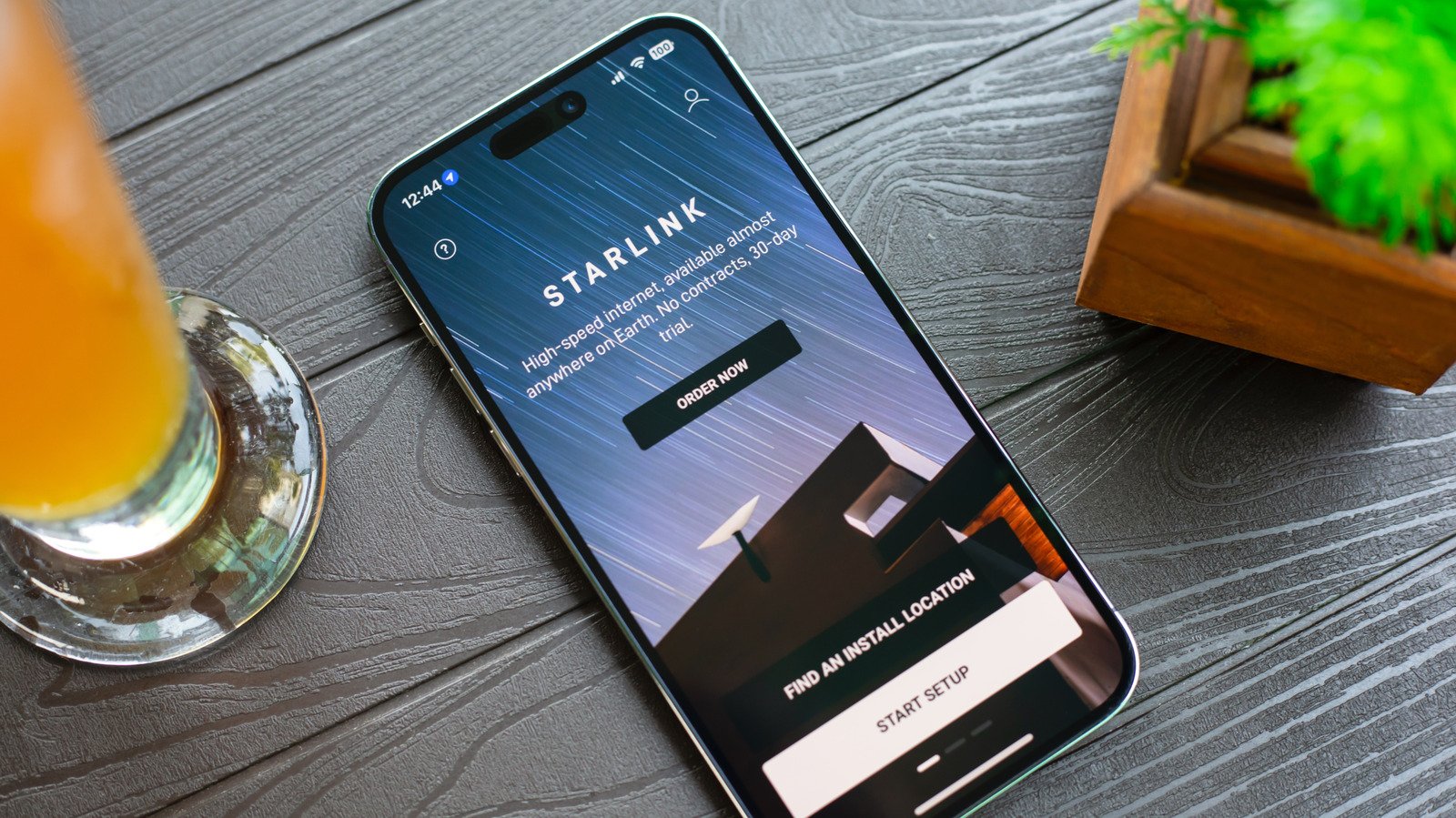
Is your Starlink Wi-Fi slower than it must be? A easy change within the app might help, although it comes with just a few trade-offs price figuring out first.

Whereas Starlink has had plenty of dangerous press in 2026 — largely due to reported slowdowns in Ukraine and its normal affiliation with Tesla and SpaceX CEO Elon Musk — there isn’t any denying that for some individuals, it might be their finest or solely web possibility. That is as a result of Starlink satellites have large international protection, reaching areas inaccessible not simply to landline connections however probably competing mobile and satellite tv for pc companies as properly.
There are a number of how Starlink may be optimized, an apparent one being dish placement. Much less apparent, although, is controlling how your system broadcasts Wi-Fi. You’d assume the arduous half can be capturing indicators from area, in spite of everything, not bouncing them just a few extra ft to your laptop computer or TV.
What we’re particularly speaking about right here is splitting your Wi-Fi into separate 2.4 and 5GHz networks within the Starlink app. We’ll clarify what meaning, why it may be helpful and when it’s possible you’ll need to stick to the traditional unified setting.
Why splitting your Starlink Wi-Fi would possibly present a velocity increase
In the event you already know why you’d need to cut up Wi-Fi, let’s reduce to the chase. All you must do is locate and choose the Add Community possibility, then toggle Cut up Community. You may be requested to call the 2 new networks, which ought to in all probability embrace “2.4” and “5” so you possibly can inform which community your units are connecting to.
For everybody else, it helps to know that almost all Wi-Fi routers are dual-band, broadcasting over two important frequency bands, 2.4 and 5GHz. Starlink’s bundled {hardware} would not at the moment help the newer 6GHz band, even when it is outfitted with Wi-Fi 7. The explanation a cut up would possibly assistance is that 5GHz is inherently sooner than 2.4GHz. Shorter wavelengths translate not simply into larger potential speeds however extra non-overlapping channels. Overlap may end up in congestion and interference. For units that help 5GHz, then, forcing them to make use of the band on a regular basis might end in noticeable velocity boosts. As with all Wi-Fi community, precise efficiency figures are going to depend upon a wide range of components, together with not simply your router however the vary and sorts of units connecting to your community.
As if that weren’t sufficient, some low-power units, equivalent to many Wi-Fi good LED gentle bulbs, are 2.4GHz-only. In the event that they’re competing with units that could possibly be on 5GHz, they is perhaps encountering pointless congestion of their very own.
When splitting your Starlink Wi-Fi may cause issues
The primary potential challenge right here is vary. The two.4GHz band gives the best attain of any Wi-Fi band, usually as much as 150 ft (45 meters) indoors, versus 5GHz’s 50 to 75 ft (15 to 25 meters). It additionally gives higher penetration by partitions and different obstacles. In some situations, then, limiting units to 5GHz might end in a flaky sign or none in any respect the place issues had been beforehand secure. Underneath a unified community, units can flip between bands mechanically as wanted.
The opposite main concern is that units on one community ID may not be capable to speak to these on the opposite. They need to be capable to on paper, and naturally, that will not matter if all they need to do is talk with the web. However should you do encounter this challenge, it could possibly wreak havoc, notably with a mixture of good dwelling equipment that require particular bands. Chances are you’ll not be capable to configure all of them to work collectively, not to mention set off complicated automations.
One ultimate downside is comfort. Reassigning a bunch of units to new networks could be a trouble, and to cope with vary, you could have to manually swap some cell units each time you’re taking them into a specific room. In the event you’re not encountering any efficiency obstacles together with your current setup, you would possibly need to depart Starlink untouched.

